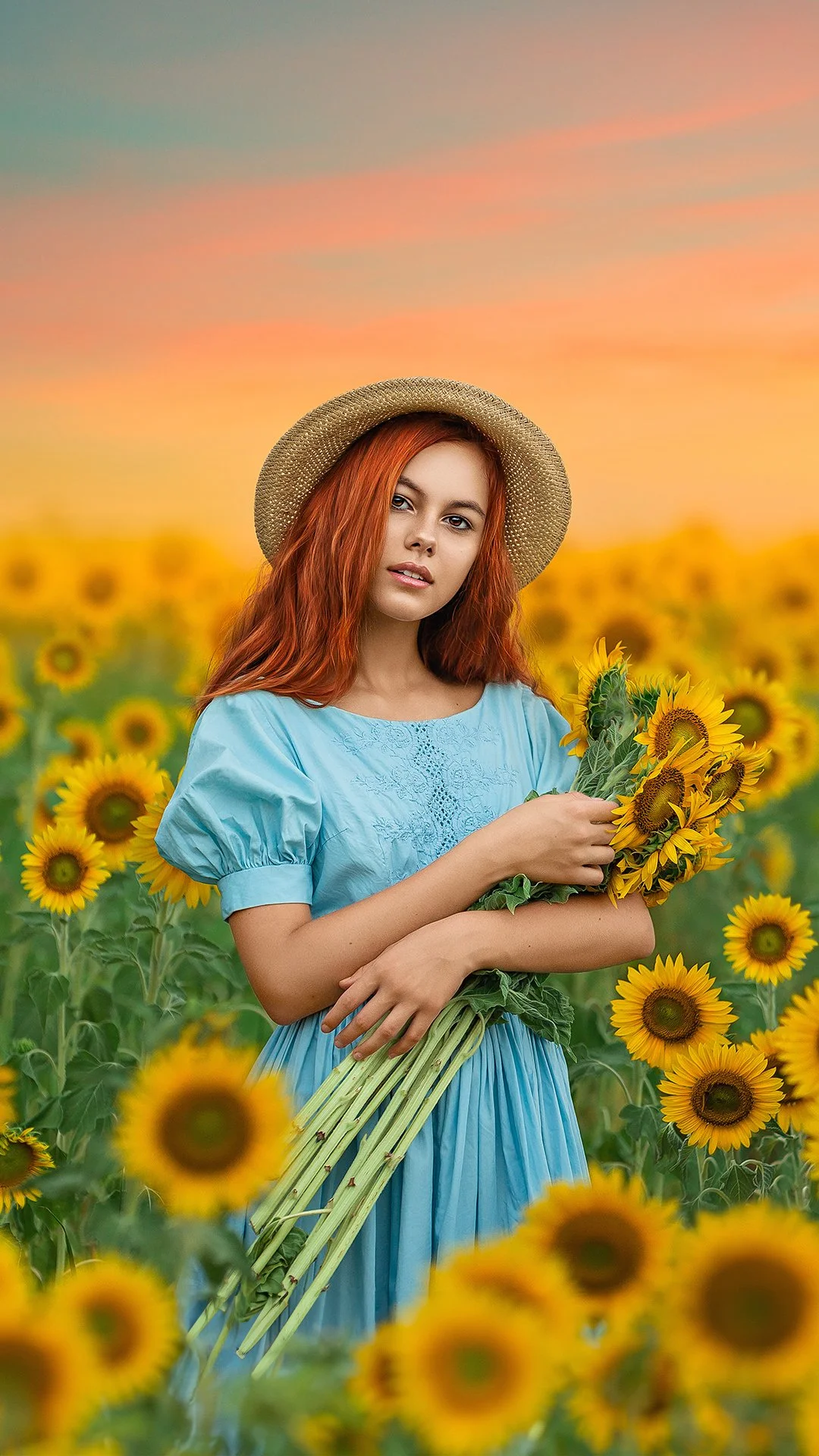
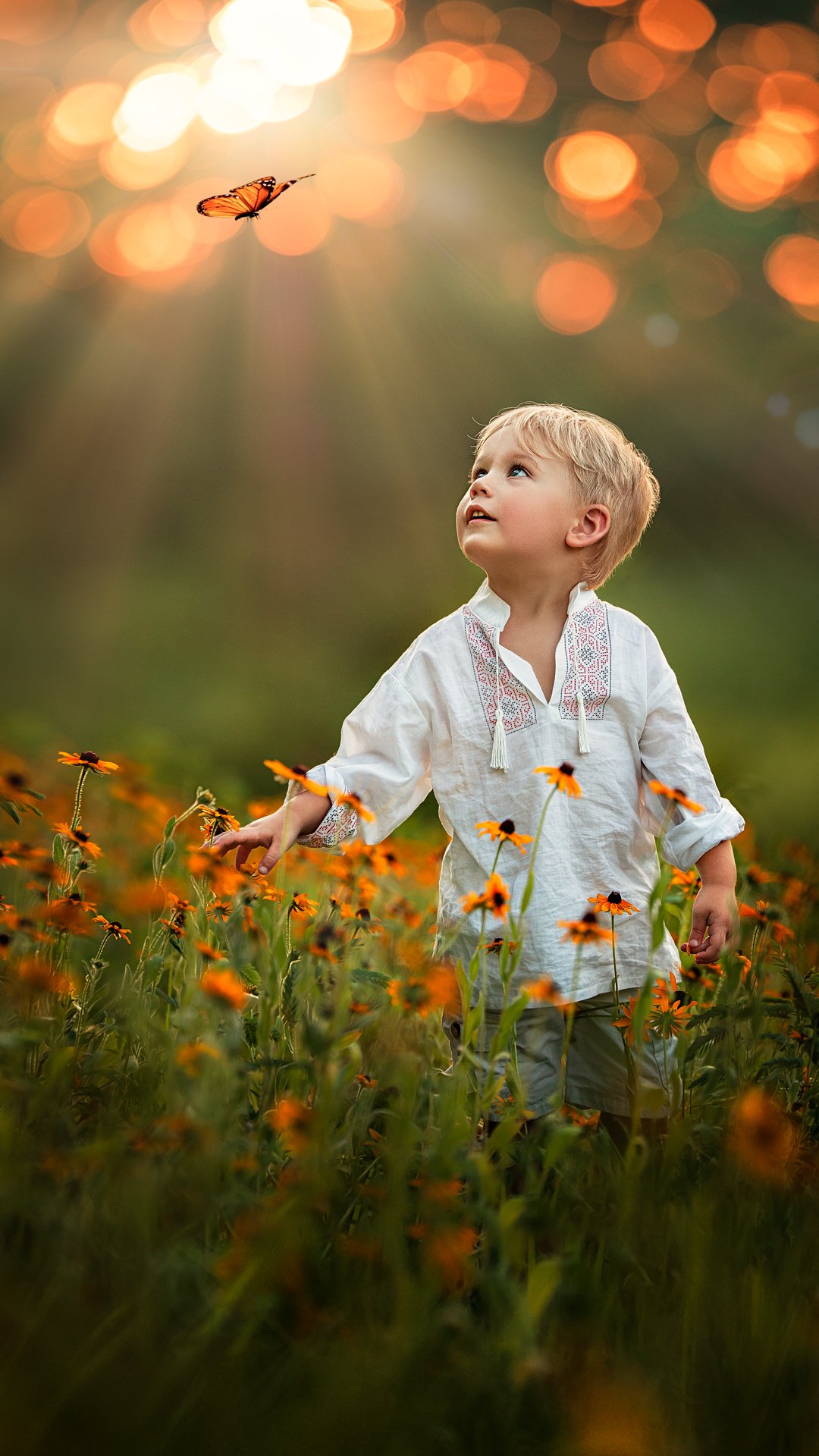
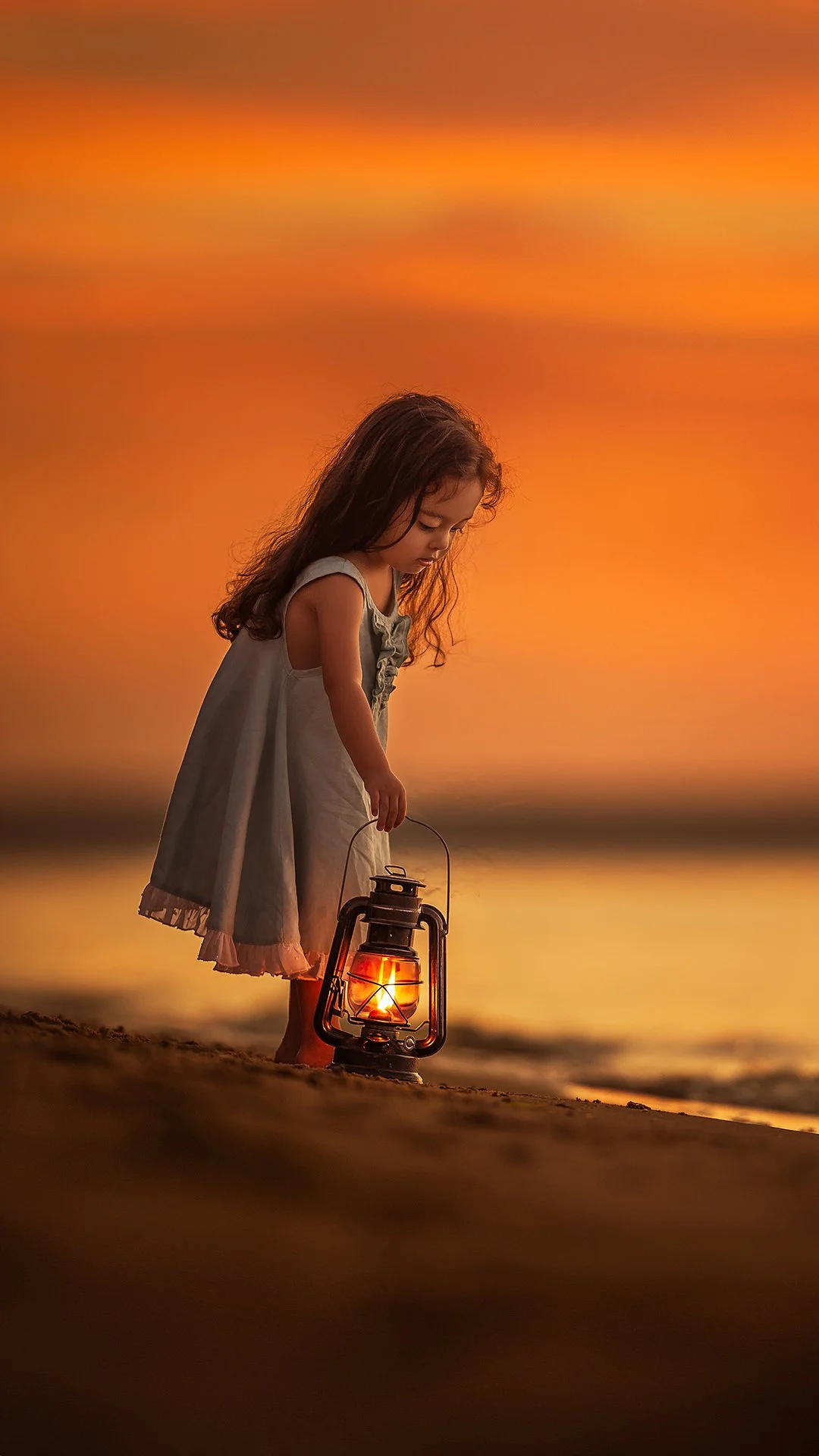
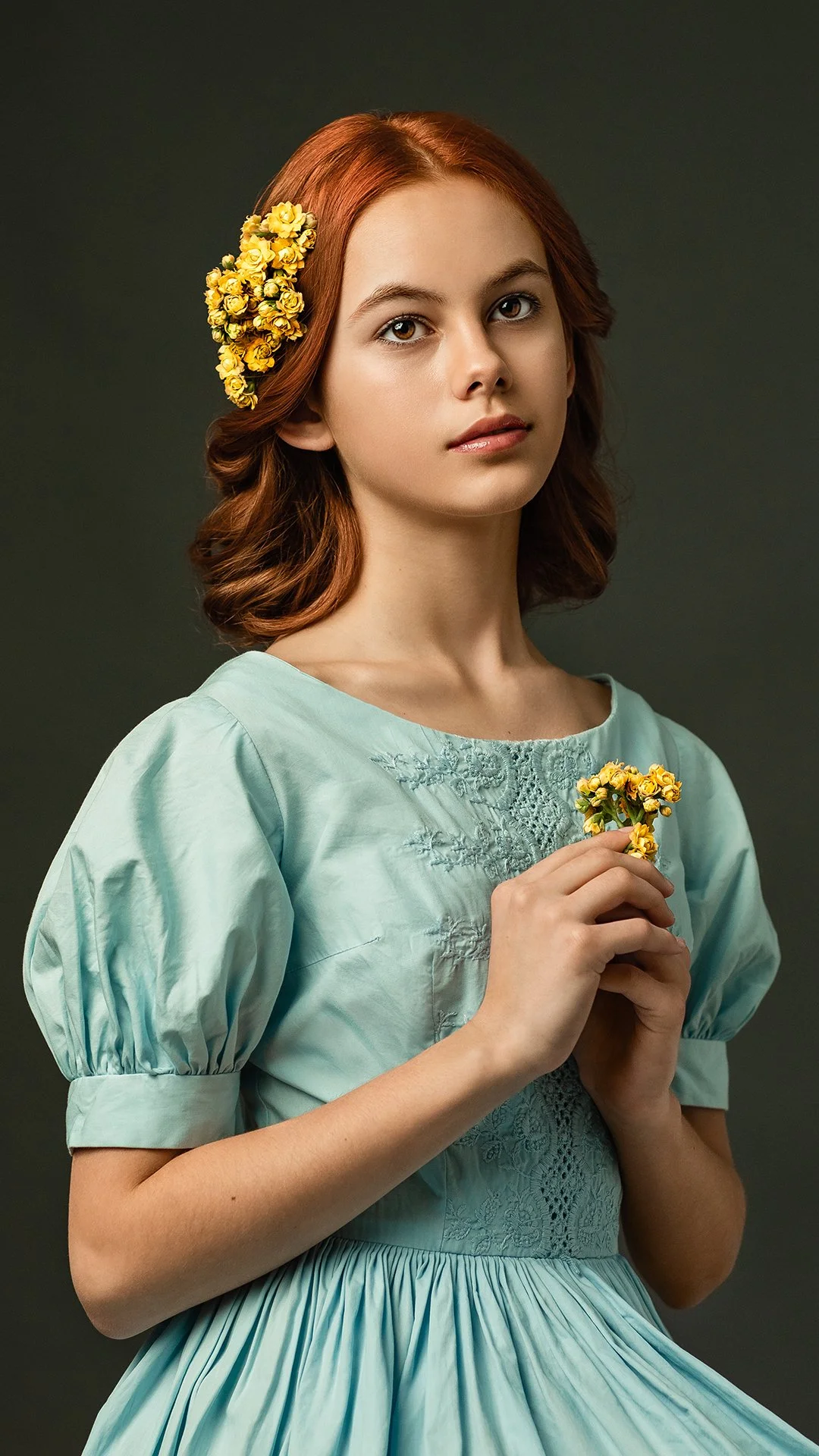
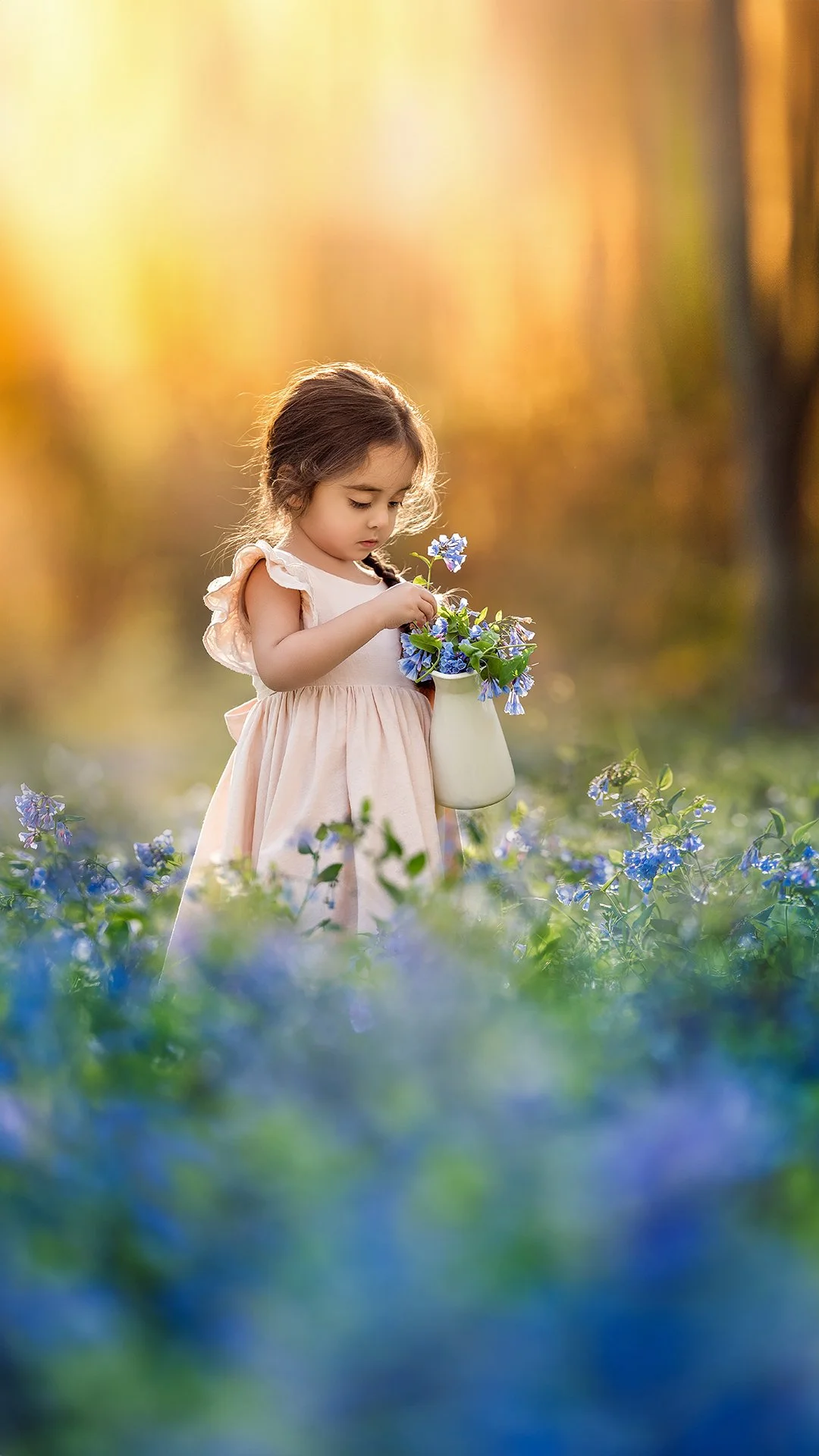
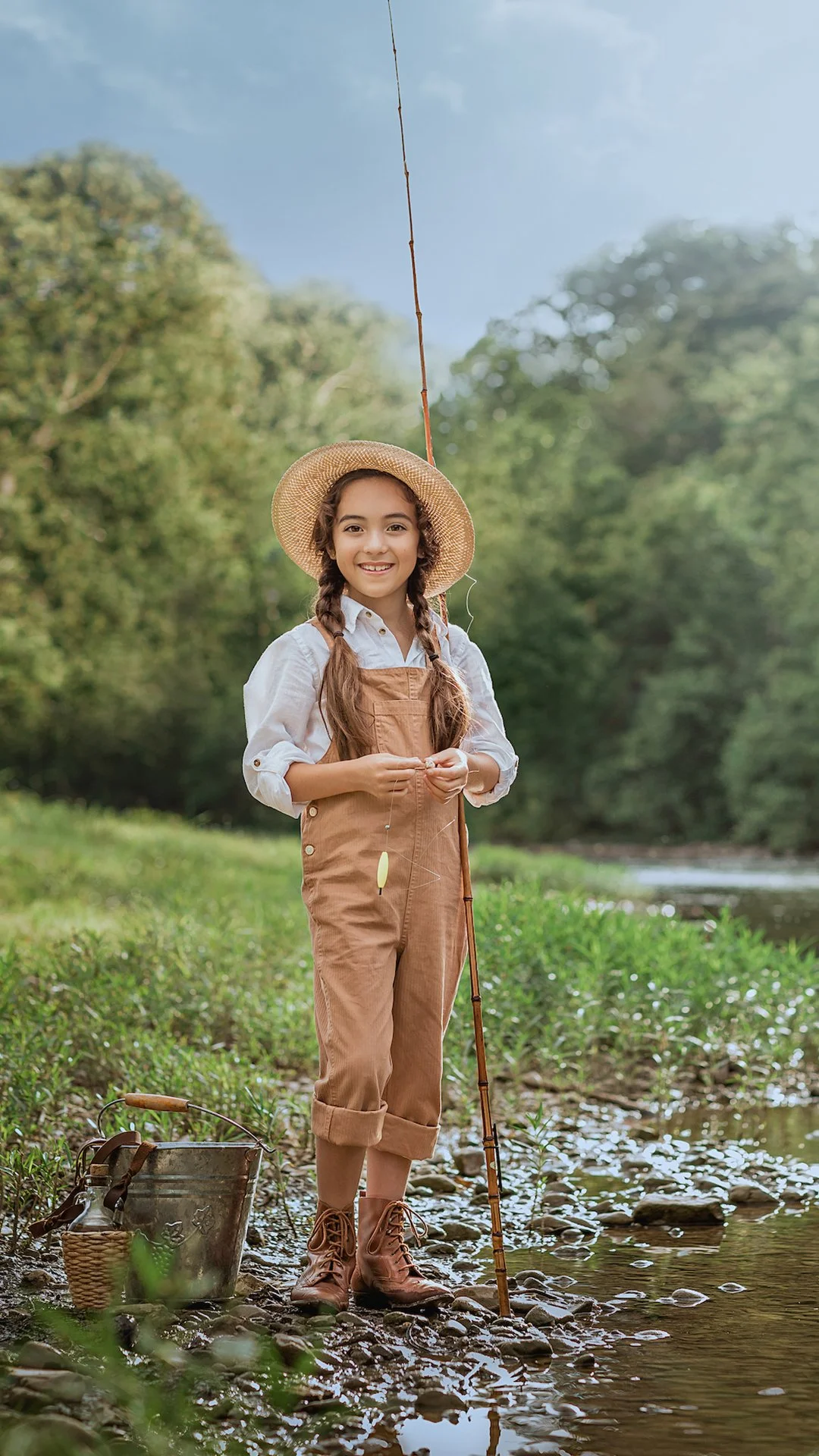

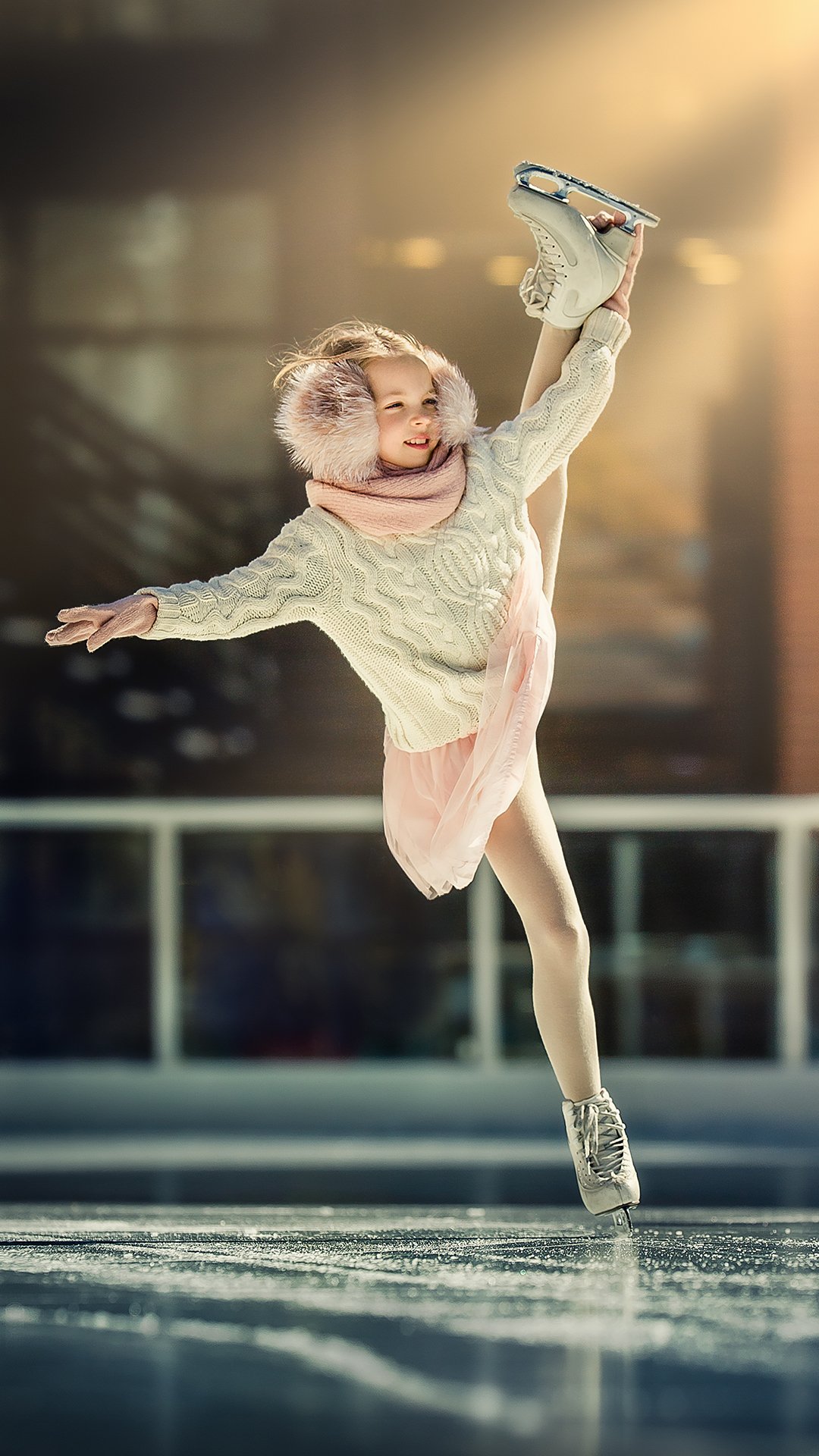
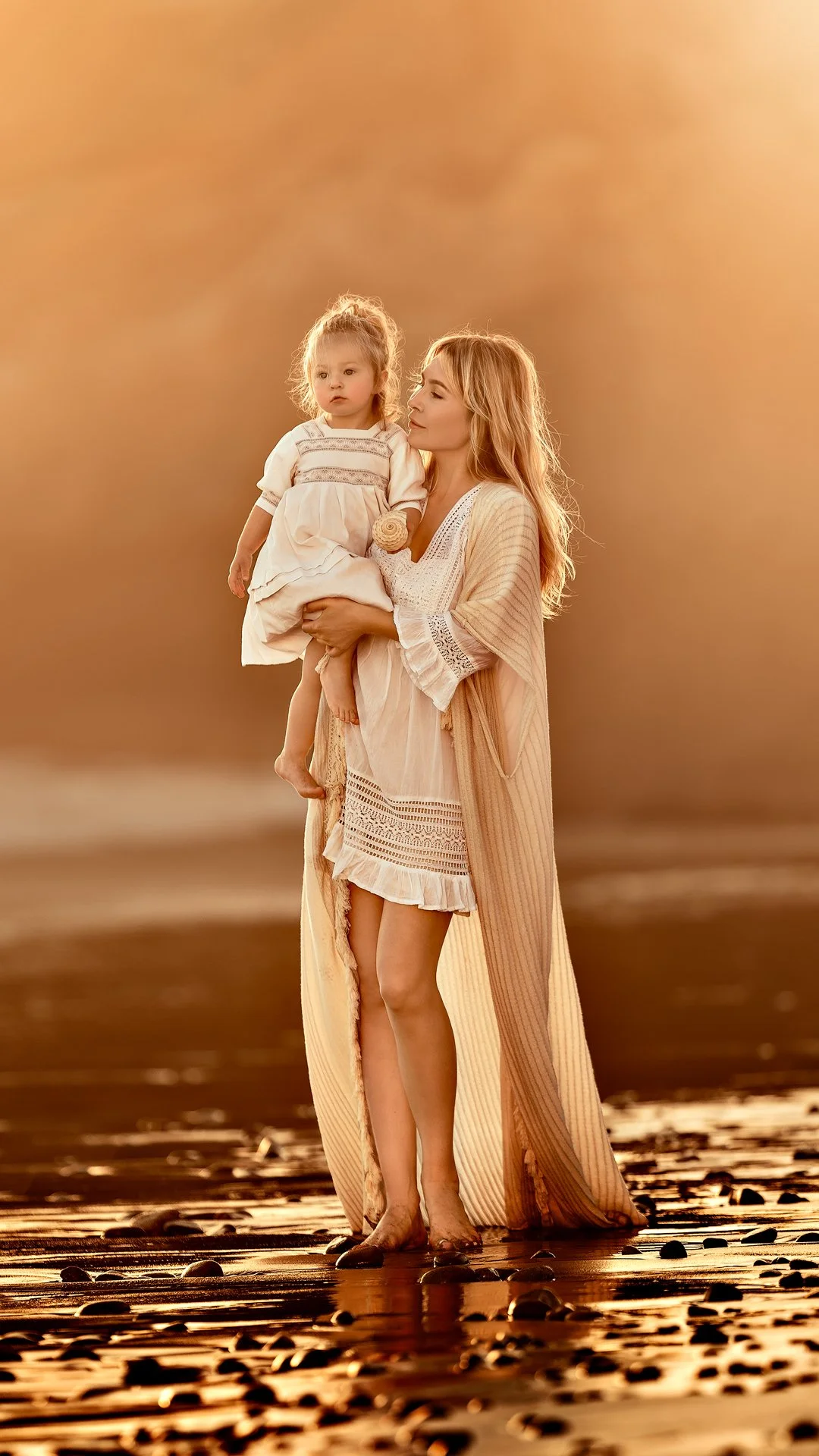
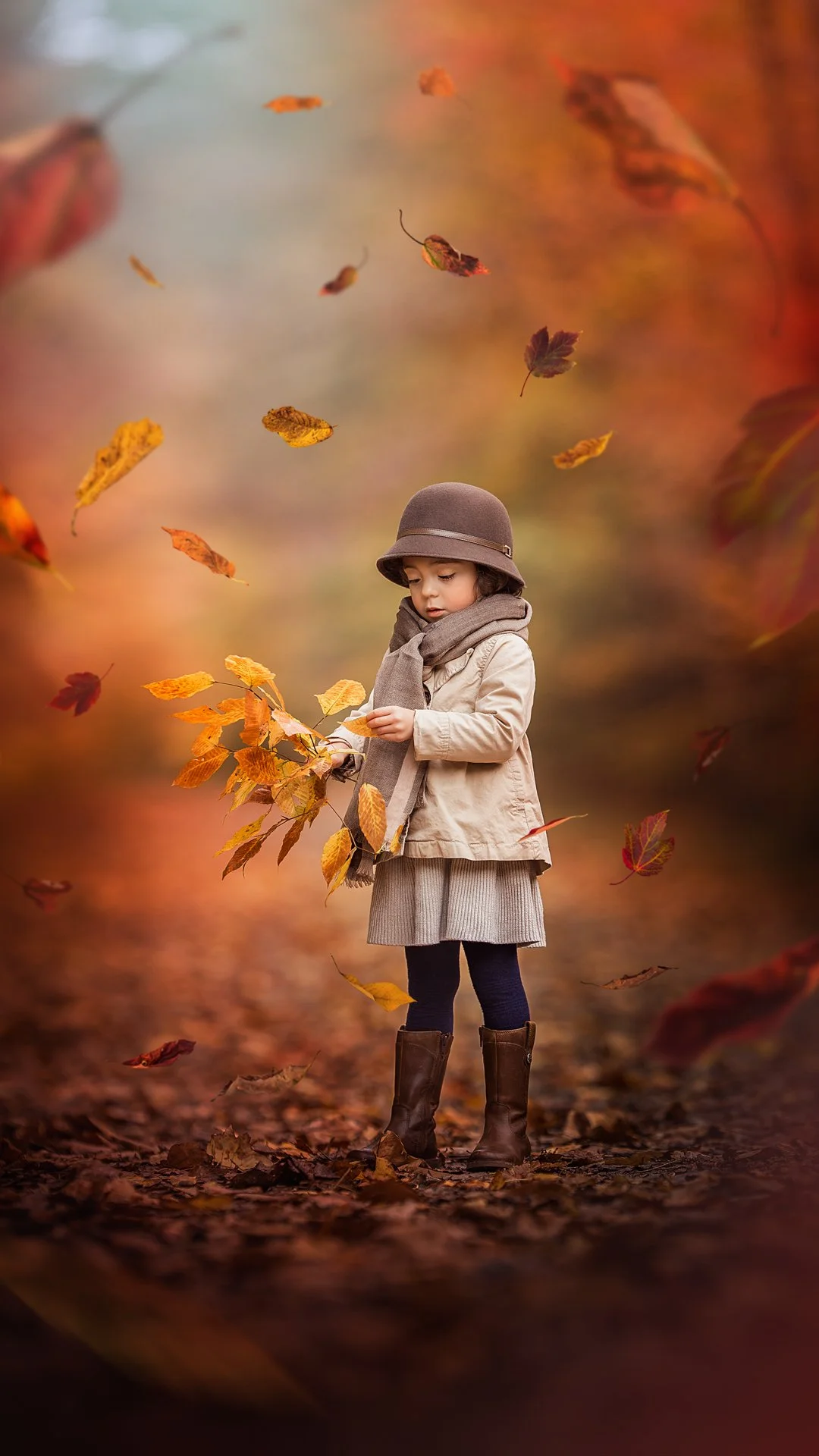
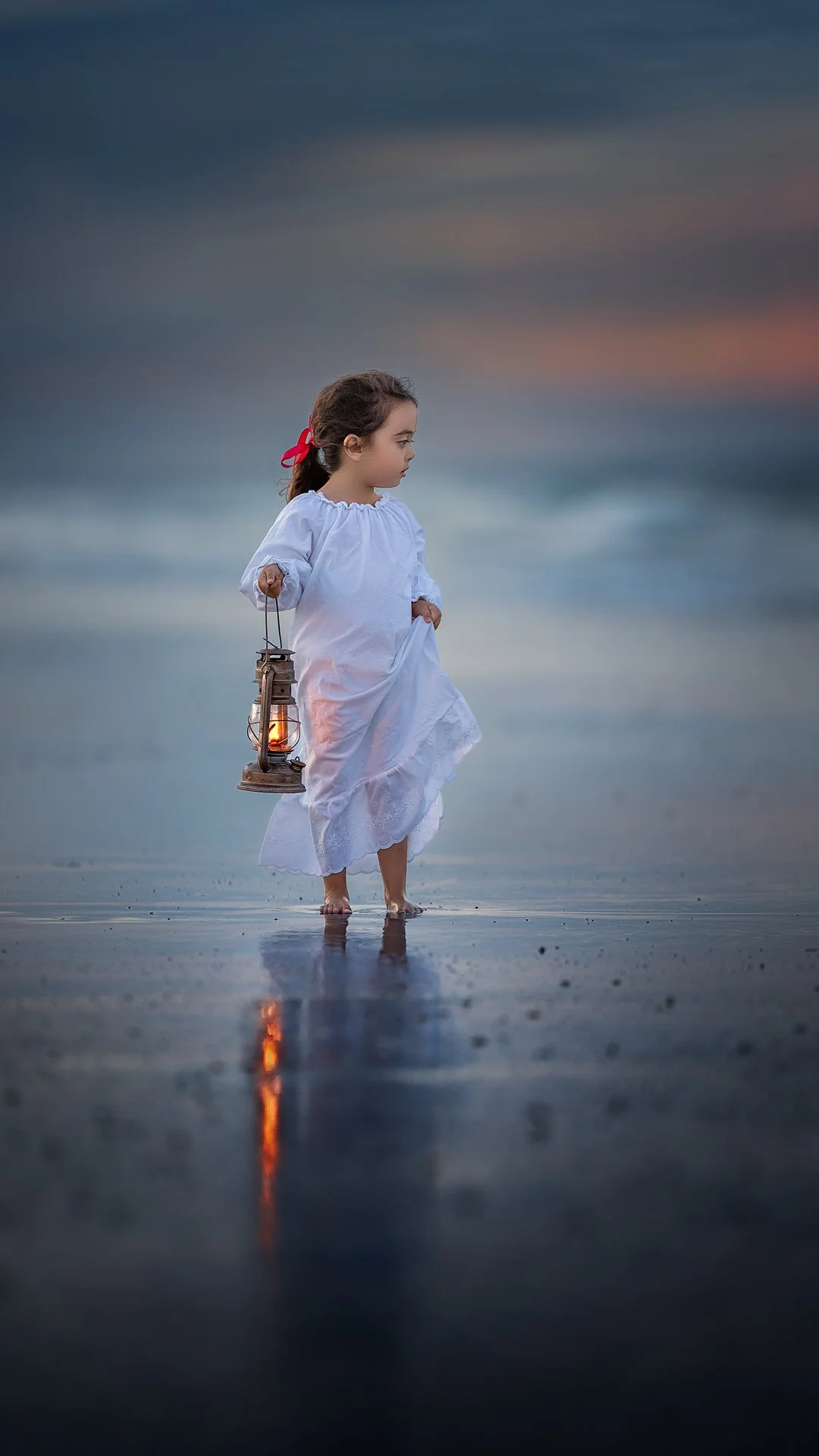
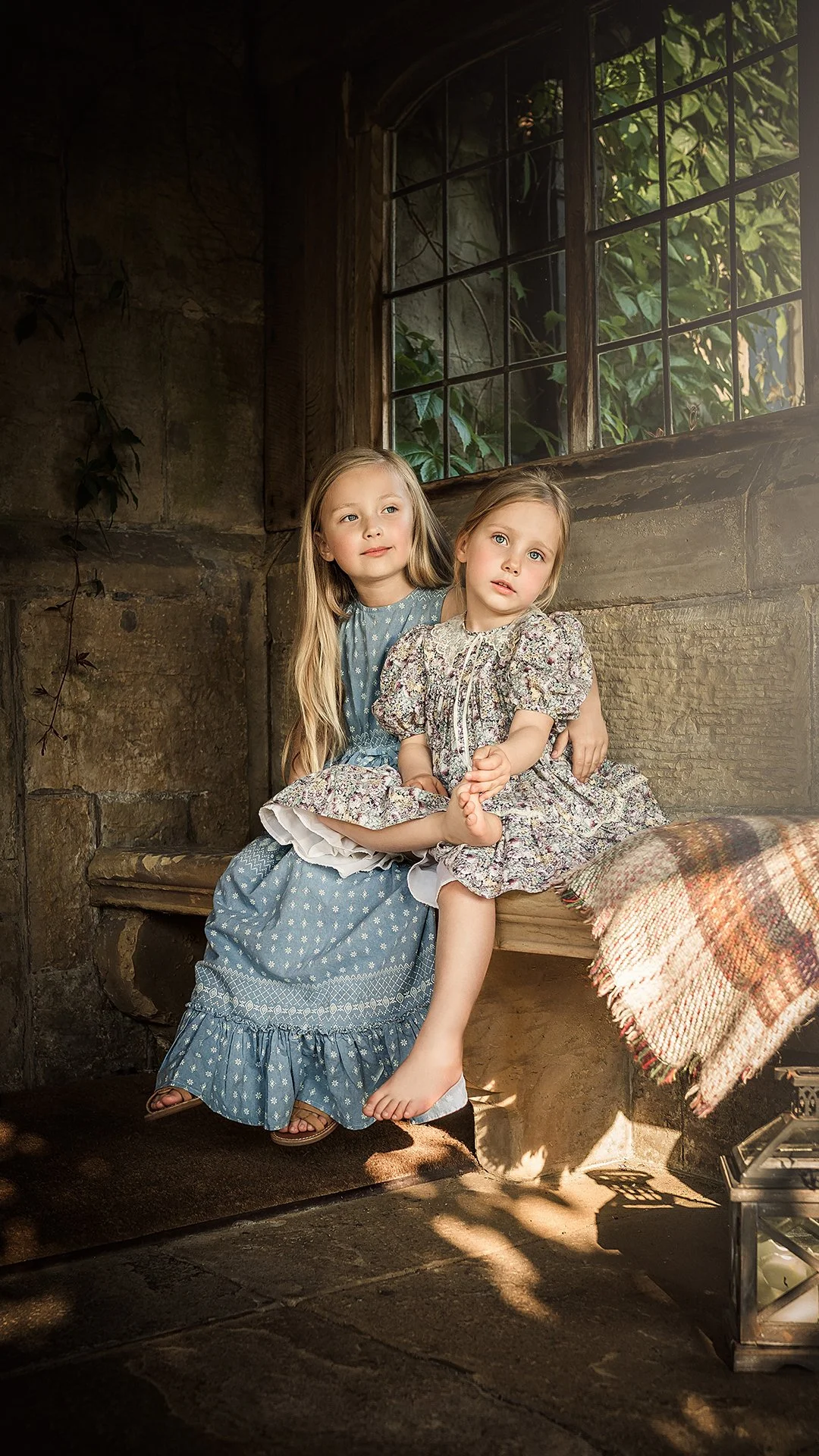
A signature education experience created to help you break through comparison, trends, and creative noise, and return to what truly matters: intentional artistry, emotional storytelling, and confidence in your vision.
Here, you don’t just learn to edit.
You learn to see!
Get access to over 25 hours of streaming-based educational content & photo editing resources
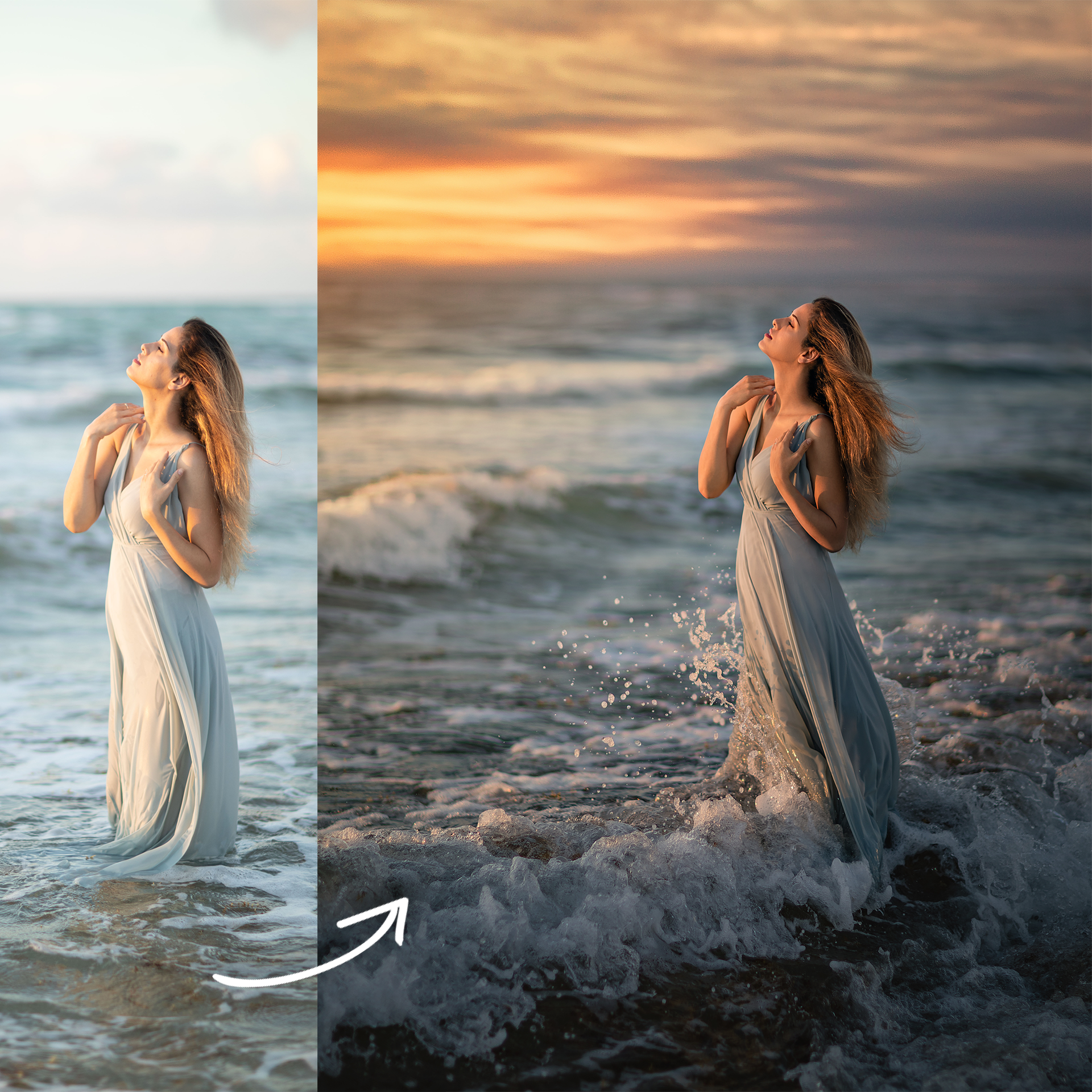
✔️ Use advanced “color toning and processing techniques” to create richness, depth, and mood
✔️ Create “creamy, even skin tones” while preserving natural skin texture
✔️ Professional “skin and eye retouching”, including face swap techniques
✔️ “Non-distorting body sculpting and enhancing methods” for natural results
✔️ Advanced “cloning and cleanup techniques”
✔️ A “natural, seamless compositing approach”
✔️ Recover “overexposed and underexposed images with confidence”
✔️ Achieve “flawless background editing and cleanup”
✔️ And so much more!
Full Access Includes:
Photo Editing Tutorials – Step-by-step editing lessons with voice-over instruction (no on-camera interaction)
Workshops & Masterclasses – Live-style educational sessions focused on editing, with voice-over and audience interaction
Photo Editing Webinars – In-depth educational webinars with voice-over and real-time interaction
Watch Lilia Edit Series – Silent, real-time screen recordings of the full editing process with no instructional voice-over
Each recording varies in length depending on the depth of the lesson.
Over 25+ hours of educational content.
Downloadable collection of photo editing resources.
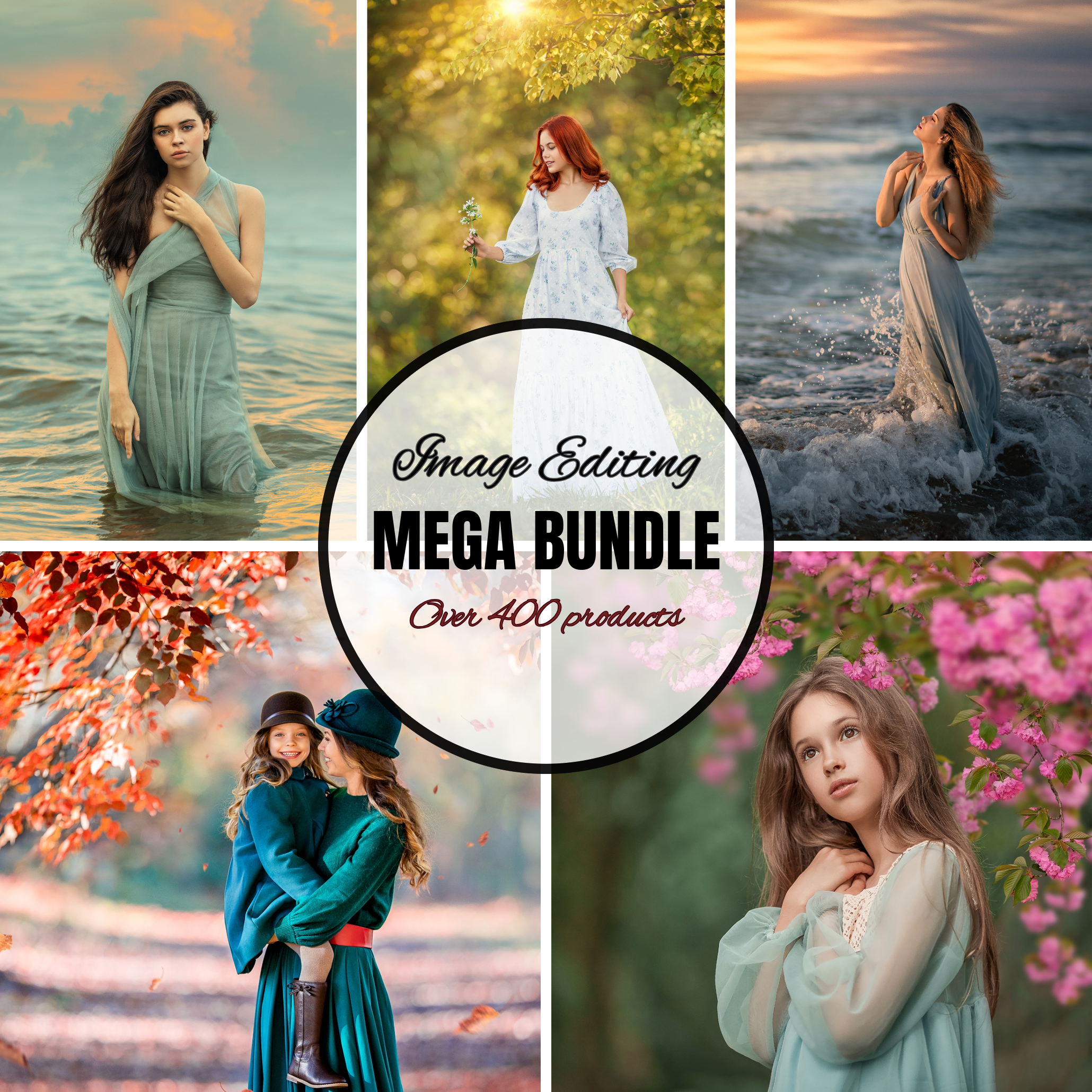
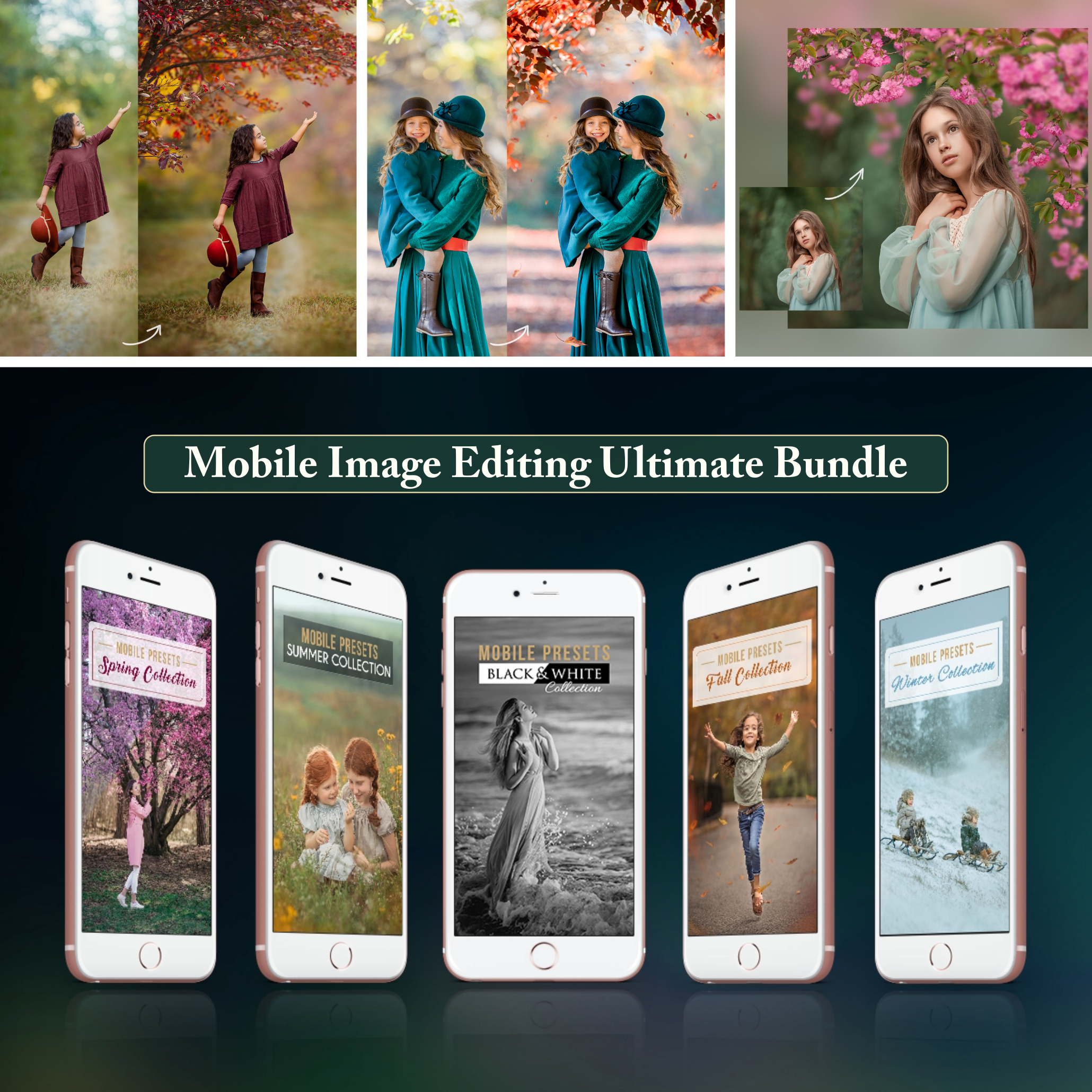
Lightroom and ACR Presets, Photoshop Actions and Brushes, Digital Backgrounds and Overlays!
GET ACCESS
WHO THIS IS FOR: This experience is for photographers who already understand the basics of photography and Photoshop and are ready to refine their editing skills, develop a stronger style, and work with more intention and confidence. Most recordings demonstrate the complete manual editing process from the RAW SOOC (straight out of camera) file to the finished final image.
SOFTWARE USED: All editing demonstrations are performed using Adobe Camera Raw and Adobe Photoshop. Lessons were recorded across different software versions available at the time of recording (2017–2020). While the interface may look slightly different in newer versions, all techniques taught are fully transferable to modern versions of the software. Based on feedback from past students of Lilia Alvarado, the techniques taught translate easily to other versions of Photoshop and to Lightroom. However, since Lilia does not use Photoshop Elements or Lightroom, the use of any other editing software is at your discretion.
Content is streaming-based and requires internet access. Please note the TERMS OF USE